How It Works
BAiQ makes it simple for group benefits advisors to contribute, compare, and gain insights from the industry’s leading group benefits benchmarking tool.
Here’s how the process works, from data upload to access and reporting.
Step 1: Subscribe Today
Upon completion of your BAiQ purchase, you’ll receive an email from our team confirming your place in line and next steps for data submission.
Step 2: Prepare Your Data
Once it’s your turn, you’ll receive:
-
A secure link to your firm’s shared upload folder
Step 3: Upload & Confirm
Use your secure folder to upload your firm’s data following the instructions provided.
Once submitted:
Once submitted:
- You’ll receive a confirmation email from the BAiQ team
- Your data will be reviewed and verified
- You’ll be notified when your submission is approved and ready for benchmarking access
Step 4: Access Benchmarking
After verification, you’ll be provided a private access code to unlock the BAiQ subscription page.
Through this portal, you’ll be able to:
Through this portal, you’ll be able to:
- Complete your subscription and payment securely via Stripe
- Log in to access the benchmarking dashboard
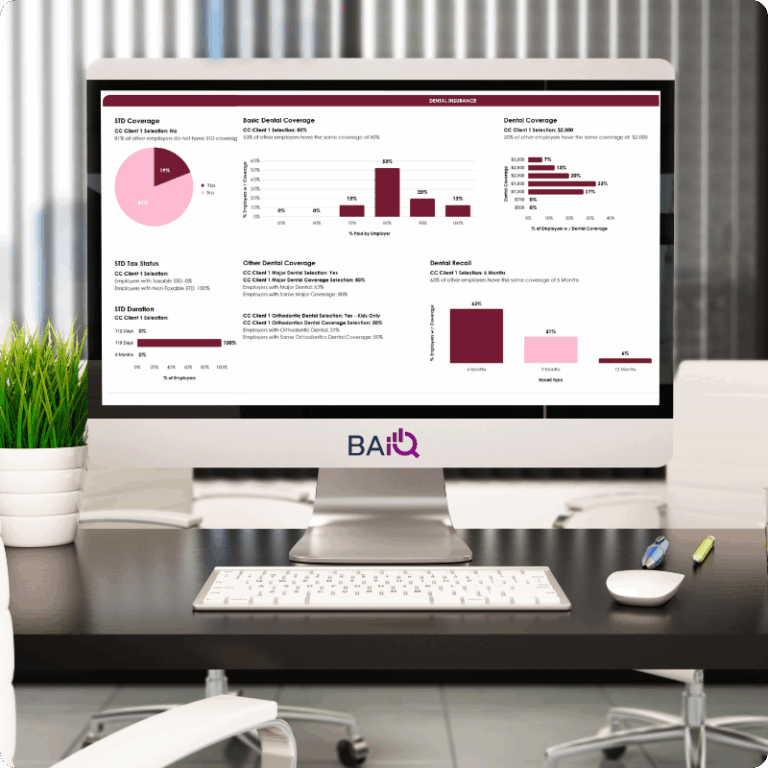
- Explore aggregated insights and reports from your peer firms
Only participating firms that have uploaded verified data will receive access credentials.BAiQ’s online tutorial videos, PDF and FAQ walk you through every stage — from preparing your files to confirming completion.